Install on Your Phone
Get quick, app-like access to live UK fuel prices.
Add to Home Screen
Follow these simple steps to add a shortcut to PetrolPrices.co.uk on your phone's home screen. It's fast, easy, and you don't need to visit an app store.
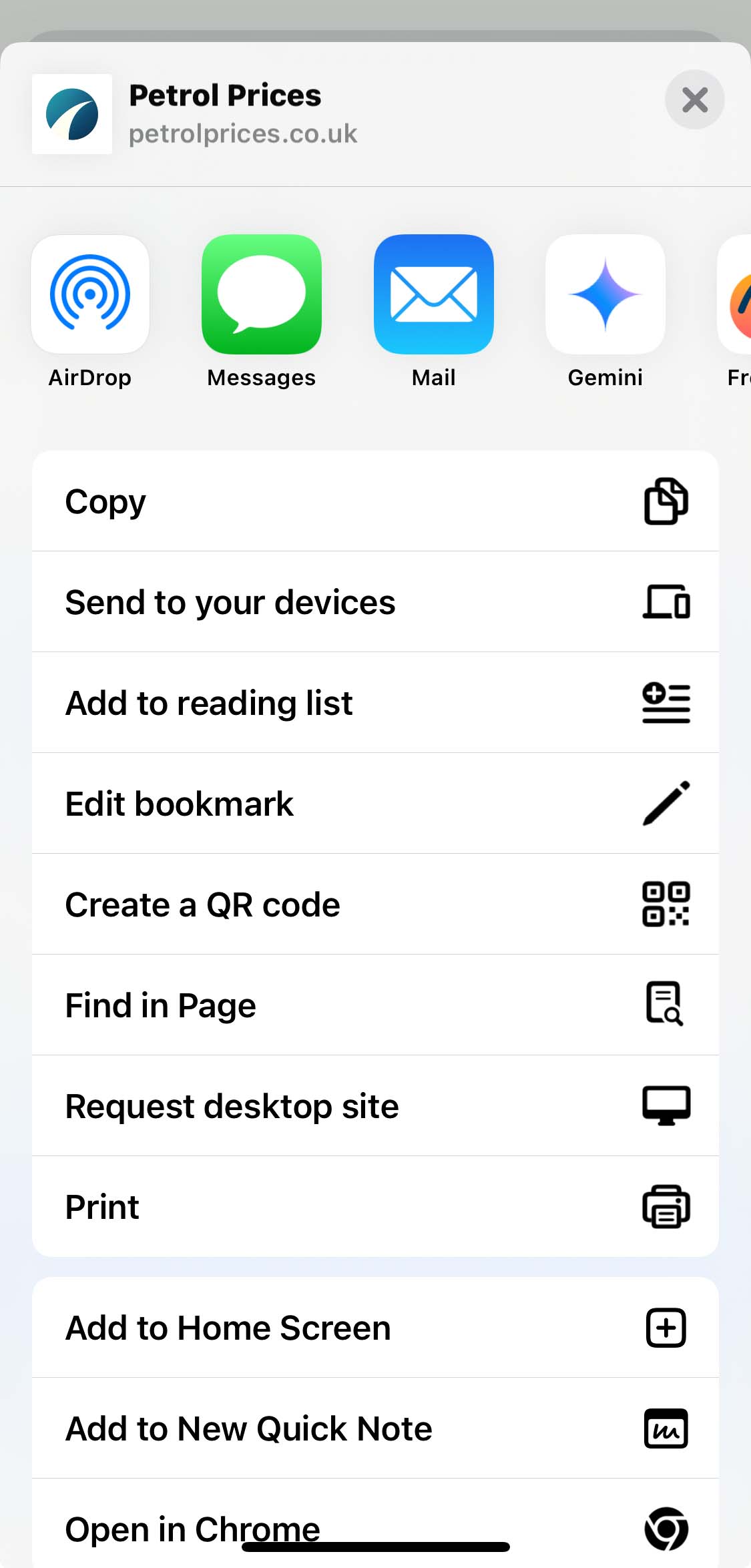
iPhone (Safari/Chrome)
- Open petrolprices.co.uk in your browser.
- Tap the Share icon (📤).
- Scroll and tap “Add to Home Screen”.
- Tap Add to confirm.
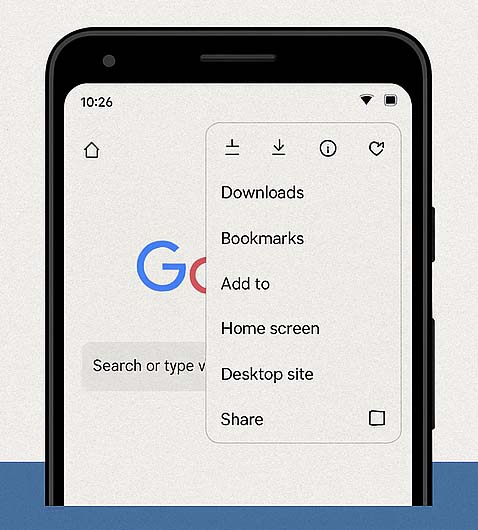
Android (Chrome)
- Open petrolprices.co.uk in Chrome.
- Tap the three dots menu (⋮).
- Select “Add to Home screen”.
- Tap Add to save the icon.
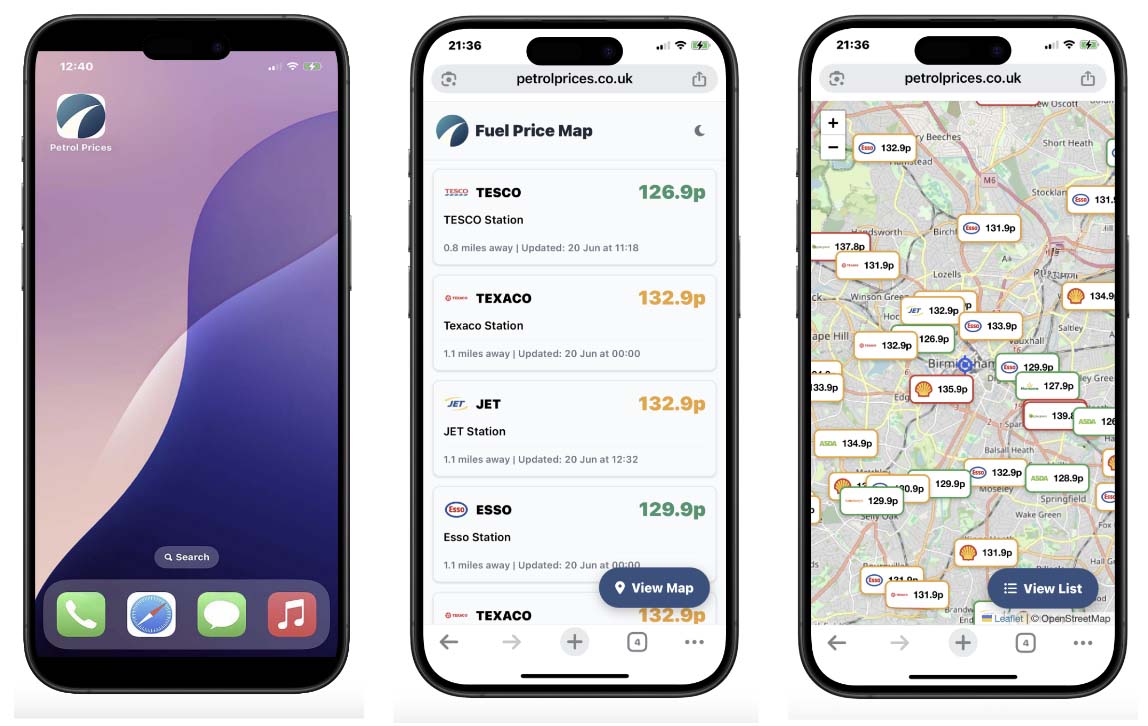
Works Like an App—No Download Needed
Once added to your Home Screen, the icon gives you instant, full-screen access to live UK fuel prices. It's all the convenience of a mobile app with none of the hassle of an app store download. The site will load quickly and feel just like a native application.
Apple iOS Display
Here is how the shortcut will appear on an iPhone's home screen and when opened.
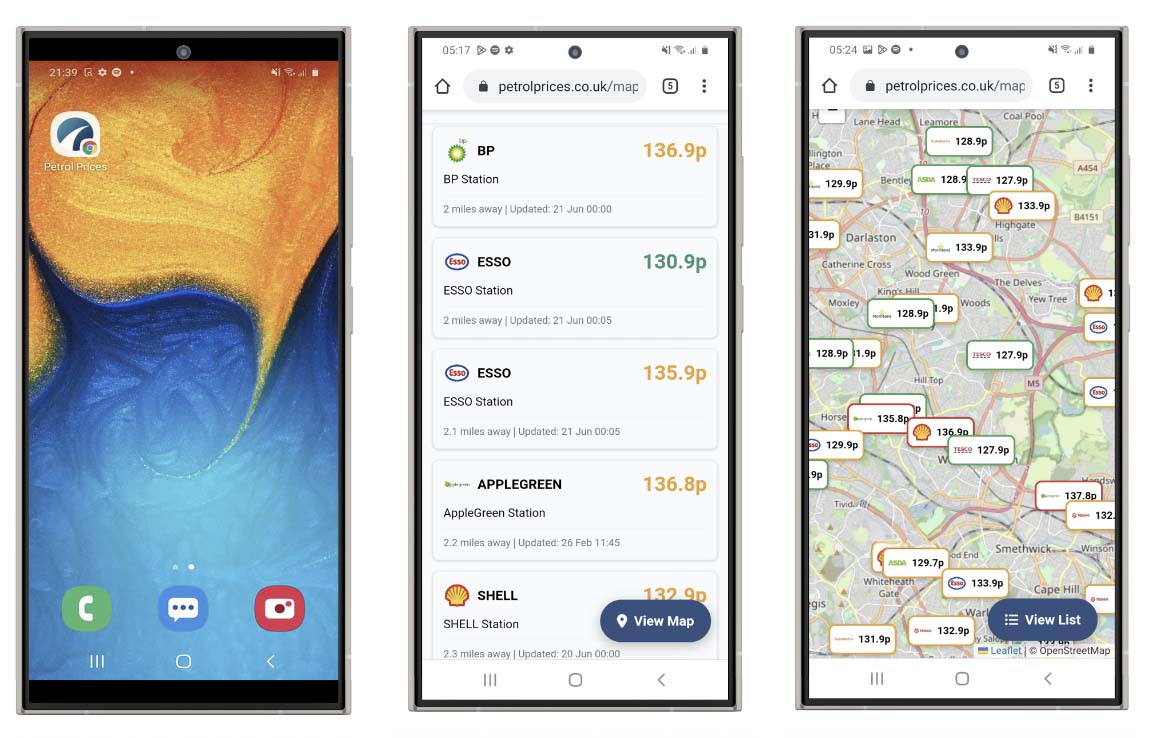
Android Display
This is how the shortcut and the web app will look on an Android device.
Optional Tip for iPhone Users
If you prefer the shortcut to open in Google Chrome instead of Safari, you can easily change your iPhone's default browser.
- Open the Settings app on your iPhone.
- Scroll down and tap on Chrome.
- Tap Default Browser App.
- Select Chrome from the list.
This step is completely optional. Your Home Screen icon will work perfectly well in Safari too.
Why PetrolPrices.co.uk?
Here's what makes our service better for finding fuel prices:
Powered by the official UK Government Fuel Finder API — Updates every 15 minutes
Price Freshness badges — see at a glance if a price is fresh, aging or stale before you drive
Journey Planner — find the cheapest fuel stops along your route
Free multi-stop routes — add up to 2 stops on any journey (other sites charge for this!)
Save your favourite stations for quick price checks — with automatic price change alerts
Remembers your last search and fuel settings on your device
Multi-brand filtering for fast comparisons
Loyalty card savings shown for every station
Optional MOT reminder stored on your device – no sign-up, no data sent to us
Dark mode for comfortable viewing at night
Works smoothly on mobile, tablet and desktop devices
Choose your preferred map app — Google Maps, Apple Maps or Auto
Free to use — no sign-up required